Screenshots with Playwright
I heard about Playwright in Episode #424 of Talk Python To Me.
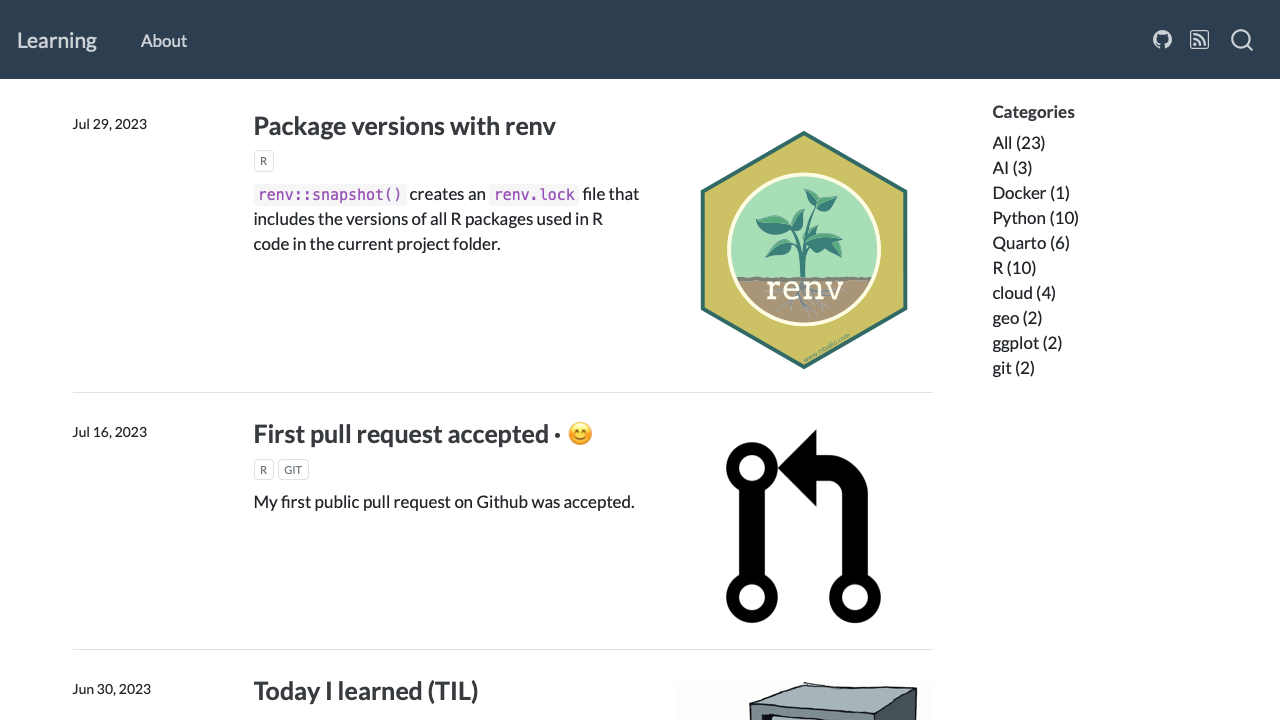
Here is an example of taking screenshots from the Playwright documentation which I updated for taking screenshots of this learning blog.
from playwright.sync_api import sync_playwright

with sync_playwright() as spw:
    for browser_type in [spw.chromium, spw.firefox, spw.webkit]:
        browser = browser_type.launch()
        page = browser.new_page()
        page.goto("https://hdigital.github.io/learning-diary/")
        page.screenshot(path=f"screenshot-{browser_type.name}.png")
        browser.close()
The code needs to be run in a Python script and does not run in Jupyter.
Chromium screenshot · 💻
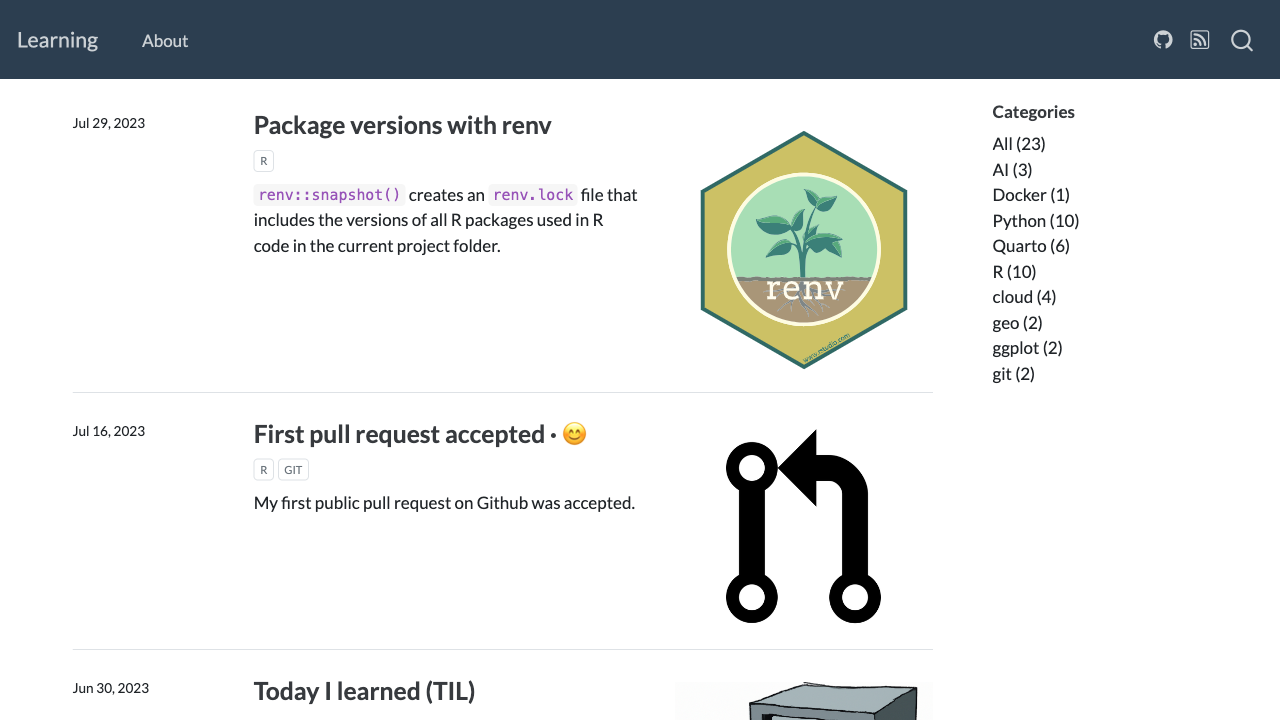
Firefox screenshot · 💻
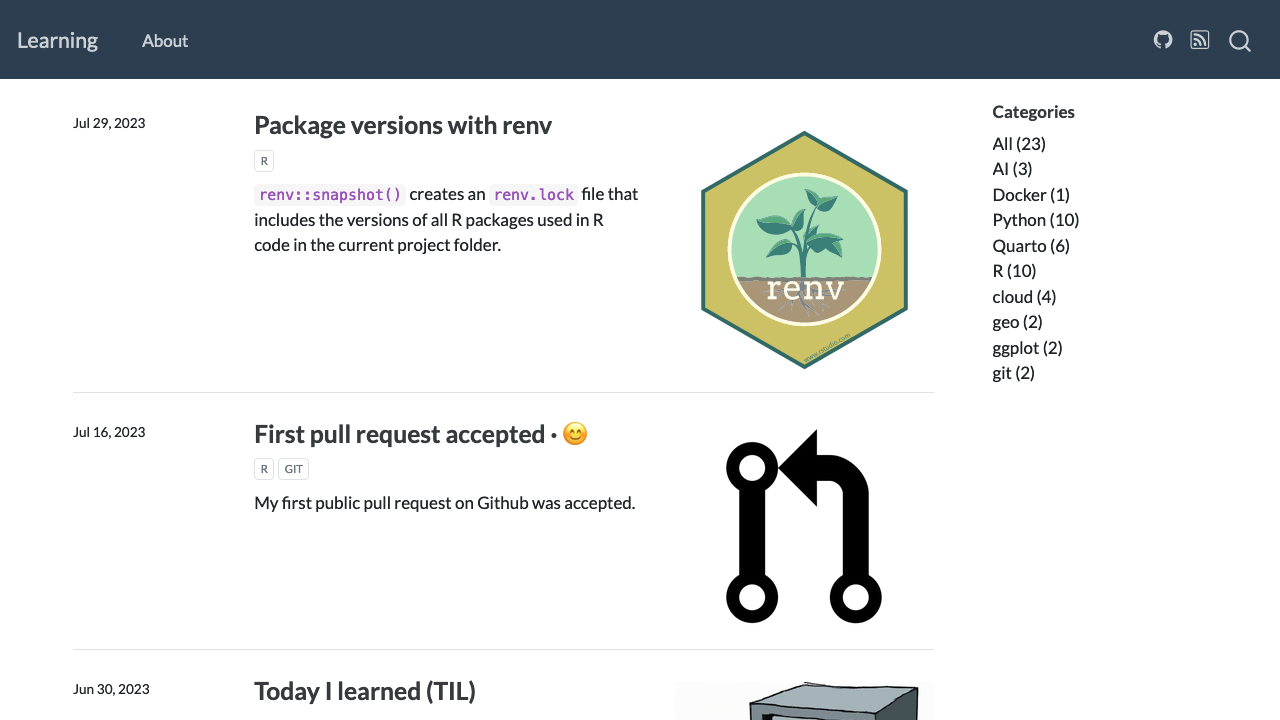
Webkit screenshot · 💻